DeCube Custom World Generator
Endless voxel planets after the six-world campaign.
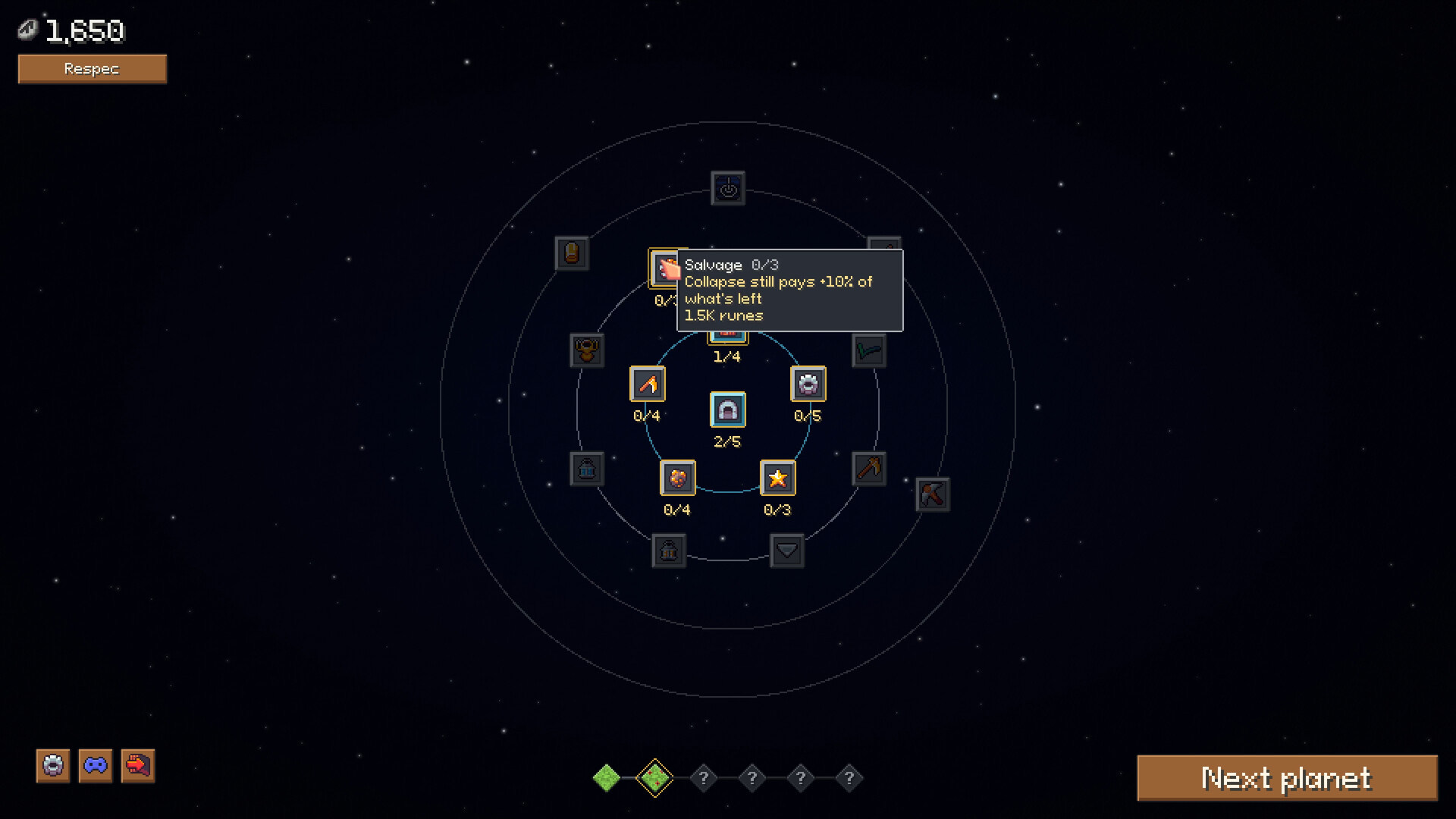
The custom world generator is DeCube’s post-campaign sandbox valve. BiteMe Games’ Steam page and announcements promise a campaign of six unique worlds plus a generator “to satiate your mining needs” once you still want fresh planets. The Steam demo (worlds 1–2) does not replace that full offering—it teaches the loop you will later feed into custom digs after December 11, 2026.
This guide explains why the generator matters for build planning, how it relates to transfer saves, and what you can prepare during the demo without inventing unreleased UI panels. Read Campaign Worlds first if you need the six-world structure overview.
Why a generator exists in an incremental miner
Classic incrementals risk a cliff when the scripted content ends. DeCube’s answer is explicit: finish the authored planets, then keep carving custom worlds so Click Power, Fracture, Workers, and Runes still have somewhere to grow. That design choice changes how you evaluate long-term upgrades:
- Worker caps and AFK quality matter beyond a short demo.
- Rune paths that look optional for a 45-minute slice can dominate endless clears.
- Collapse-threshold philosophy becomes a lifestyle setting for infinite planets, not a one-off demo trick.
If you only optimize for “finish world 2 ASAP,” you may under-invest in systems the generator will amplify. Use Upgrade Priority, Workers, and Runes with a longer horizon.
What is confirmed vs what is not
Confirmed in public materials:
- Full game includes a custom world generator alongside the six-world campaign.
- Feature list calls out the generator as a way to keep mining after authored content.
- Demo progress transfers into the full game, so the career that reaches the generator starts in the Steam demo.
- Controller support and a nostalgic soundtrack are part of the complete package you will use during long sandbox sessions.
Not inventing here:
- Exact seed UI, preset lists, or advanced worldgen sliders.
- Guaranteed biome tags or difficulty multipliers that have not been published.
- Fake screenshots of generator menus.
When Steam news or Discord posts document concrete generator controls, this page should gain a sourced “controls” section. Until then, plan around intent: endless planets that reuse the same mining verbs.
Demo prep that pays off in custom worlds
Even without the generator unlocked, the live demo trains habits that sandbox play rewards:
- Comfortable camera — long custom sessions punish awkward rotation; drill Controls.
- Fracture routing — wide surfaces and leftover islands appear on any generated crust; see How to Mine Fast.
- Worker discipline — mid-November fixes improve even spread; AFK value compounds when you queue many custom planets.
- Rune caution — respec no longer refunds workers over 15; do not soft-lock a huge crew into the wrong meta before sandbox freedom arrives (Demo Changelog).
- Deck readiness — custom grinding is perfect couch content; follow Steam Deck.
Build archetypes for endless digs
Think in archetypes rather than spoilers:
| Archetype | Feels good when… | Watch outs |
|---|---|---|
| Active Fracture pilot | You enjoy aiming splash and meteors | Fatigue on very long sessions |
| Hybrid click + workers | You alternate focus and AFK | Hire timing vs Click Power floors |
| Crit lean | Audio cues and rune crit stats click for you | Needs clear feedback (recent patches help) |
| Collapse optimizer | You prefer fast planet cycling | May skip relic sightseeing |
| Completionist clearer | You love 100% crusts | Slower planet turnover |
Custom worlds make all five viable because you choose the pace. The generator’s job is to supply planets; your job is to pick a satisfying loop.
Campaign first, generator second
Recommended order for most players:
- Clear the Steam demo with a transfer-ready save.
- On December 11, continue into remaining campaign worlds.
- Open the custom generator when authored planets are done—or earlier if the UI allows sandbox access (confirm in-game; do not assume).
- Recheck tier lists after launch patches—sandbox metas shift when new upgrades land.
Wishlist and launch reminders
The generator is a full-game feature. Wishlist and price tracking still matter: $5.99 with a planned 20% launch discount. Use the Wishlist Checklist and System Requirements so your PC, Mac, or Deck is ready for longer sandbox nights.
Related reading
- Campaign Worlds — six-world structure
- Demo Guide — teaching slice tactics
- Release Roadmap — when full features unlock
- Tier List Hub — long-horizon spend order
- Official Links — Steam and Discord for generator patch notes
Play the demo to master the verbs. Let the December campaign deepen them. Then let the custom world generator keep the nostalgia loop alive as long as you still want one more planet.
Frequently Asked Questions
Quick answers to the most common DeCube questions.
Is the custom world generator in the Steam demo?
The demo focuses on campaign worlds 1–2. The custom generator is part of the full game feature set launching December 11, 2026.
Why should demo players care about the generator?
Because demo saves transfer. Long-term worker, rune, and Fracture habits you learn now still matter in endless custom digs.
What does the generator do?
Official copy describes it as a way to create additional worlds so you can keep mining after the six-world campaign.
Will there be detailed seed settings?
Specific UI details are not fully published yet. This wiki will update when BiteMe Games documents concrete controls.
Where should I read next?
Finish Campaign Worlds, then keep Upgrade Priority open while you demo.