DeCube Demo Guide
Worlds 1–2, save transfer, collapse choices, and feedback channels that matter.
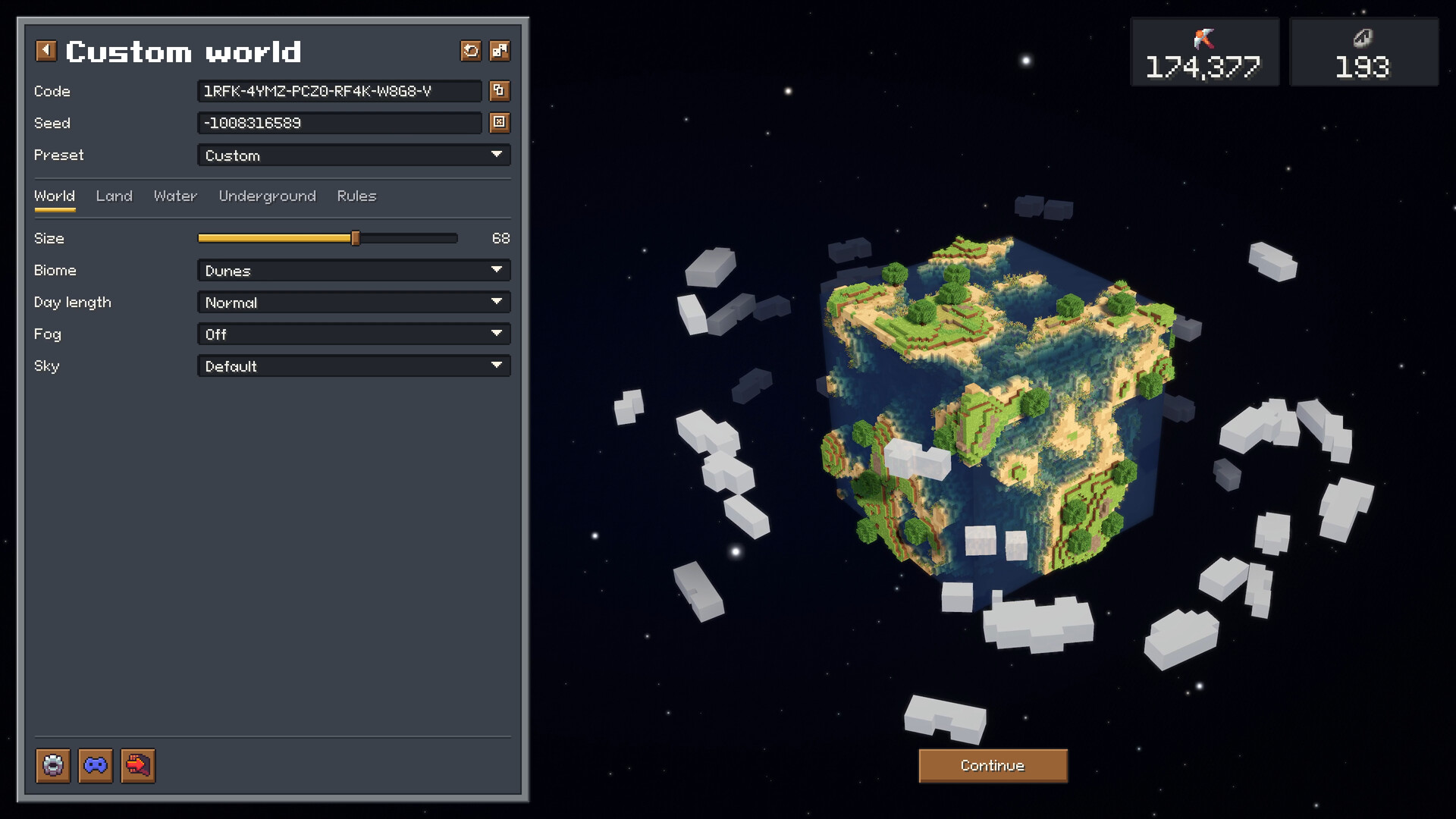
The DeCube Steam demo is the real on-ramp to BiteMe Games’ planet-mining incremental. It includes the first two campaign worlds, runs about 45 minutes for a focused clear, and is explicitly designed so progress transfers into the full game on December 11, 2026 (7PM JST). This demo guide explains what is in scope, how itch playtests differ from Steam, how to finish efficiently, when to collapse versus 100% clear, and where to send feedback that actually reaches patches.
If you have not installed yet, skim Getting Started first, then return here with the demo downloaded from Steam.
Demo scope: worlds 1–2 only
The full campaign ships six unique worlds plus a custom world generator. The demo stops after world 2 on purpose: long enough to teach Click Power, Fracture, crits, workers, runes, water mining, meteors, and cloud blocks; short enough that “try before you buy” stays honest. The studio has also said it plans to keep the demo available after launch, so friends can sample the loop without buying immediately.
What you should expect to experience before the demo ends:
- Digging a full planet toward its core at least twice.
- Hiring workers and watching them spread across a fresh planet (early patches improved spawn spread).
- Spending on upgrades and at least peeking at Runes meta options such as worker cap and collapse threshold tweaks.
- Hitting specialty content: water that once had a soft-lock bug (fixed in a demo hotfix), meteors that now actively seek blocks, and cloud blocks that punish lazy camera work.
- Choosing whether to collapse early or push a 100% clear.
What you should not expect: worlds 3–6, the full custom generator toybox, or final launch balance for every rune.
Save transfer promise
BiteMe Games states that Steam demo progress carries into the main game. Plan for a first-launch prompt after you buy on December 11 so you skip replaying the opening dig. Practical implications:
- Play on the Steam demo, not a random side build, if you care about transfer.
- Avoid “throwaway” saves if you intend to continue — your rune choices and worker habits travel with you.
- Remember respec quirks: a demo update notes that respeccing runes no longer refunds workers over 15. Hiring past that soft cap is a commitment relative to respec refunds.
If transfer UI wording changes near launch, check the Updates Hub and Steam news before you panic-delete a save.
Itch playtest versus Steam demo
Before Steam, DeCube circulated as an itch playtest. That build gathered the feedback that unlocked keyboard camera rotation, lighter mining holds, and many balance passes. The Steam demo is the overhauled branch: new trailer, balance/worldgen/visual pass, Deck play, and the official transfer promise.
Use itch only if you are studying design history. For actual progress, wishlist + Steam demo is the correct path. Deck players especially should stay on Steam so controller glyphs and performance tweaks apply — see Steam Deck.
Tips to finish the demo efficiently
- Learn controls in the first ten minutes. Toggle-style mining and keyboard rotate save more time than any mid-tier upgrade. Details: Controls.
- Rush understandable Click Power, then Fracture. Single-target spam feels busy; Fracture clears plateaus. Crit stacking comes third once splash is online.
- Hire a small worker crew before world 2, not a mob in minute five. Workers shine when your personal dig already cracks blocks quickly and when spawn spread is healthy.
- Respect water and clouds. Zoom in, isolate the awkward voxels, then zoom out for Fracture again. The water soft-lock fix means you should be able to finish flooded pockets — if something still bricks, report it.
- Let meteors work for you. After the seeking patch, meteors hunt blocks more actively; do not ignore impact zones when you plan a collapse timing.
- One clean clear beats five abandoned planets. Transfer value comes from understanding systems, not from restarting whenever a rune confuses you.
For a deeper speed route once the demo feels comfortable, read How to Mine Fast and compare picks on the Tier List Hub.
Collapse versus 100% clear
DeCube lets you advance by meeting a collapse threshold or by fully clearing the voxel planet. In the demo, treat the choice as a teaching tool:
- Collapse early when you already understand the world’s gimmick and want to reach world 2’s new lessons faster. Rune effects that change collapse thresholds make this path more interesting on repeat attempts.
- 100% clear when you are learning Fracture angles, hunting relics/ruins, or practicing worker coverage. Full clears also make “did meteors and water behave?” feedback more accurate.
A practical demo plan: 100% clear world 1 for literacy, then decide per mood on world 2. Either way counts toward the transfer story — just know why you collapsed.
Feedback channels that matter
The studio repeatedly asks for notes through:
- Steam Discussions on the DeCube app hub (FAQ threads already collect transfer questions).
- Discord linked from the Steam page / BiteMe Games community.
Good feedback is specific: platform (Deck vs desktop), whether you used controller, which world, and whether the issue is soft-lock, glyph, balance, or UX. Recent hotfixes already shipped from that loop — meteor seeking, clearer crit sounds, worker spawn spread, rune respec worker refunds, Deck tooltips, water mining fixes — so concise reports are not wasted.
After you finish worlds 1–2
Wishlist the full game if you have not, keep the demo installed, and watch Updates as launch approaches. Browse the Guides Hub when you want Steam Deck comfort tips or mining theory. Official store and social destinations sit on the Links Hub.
The demo is not a disposable teaser; it is the first two chapters of a six-world campaign with a transfer promise attached. Finish it deliberately, send one useful note if something snags, and you will boot the December 11 release already fluent in DeCube’s dig-upgrade-hire-collapse rhythm.
Frequently Asked Questions
Quick answers to the most common DeCube questions.
How long is the DeCube demo?
About 45 minutes for a focused playthrough of worlds 1–2. Full clears, experimentation, and rune tinkering can run longer.
Does demo progress transfer to the full game?
Yes. BiteMe Games states Steam demo progress carries into the December 11, 2026 release, with the demo also planned to remain available after launch.
Should I collapse or 100% clear in the demo?
100% clear world 1 to learn geometry and special blocks, then collapse or clear world 2 based on whether you still need practice. Both paths teach different skills.
Is the itch playtest the same as the Steam demo?
No. Itch was an earlier playtest. The Steam demo is the overhauled, Deck-ready build with the official save transfer path — use Steam for real progress.
Where should I report demo bugs?
Steam Discussions or the BiteMe Games Discord. Include platform, controller vs mouse, world number, and whether the issue is soft-lock, UI, or balance.